

About Google Voice Account
Google Voice account is a free service, enabling Gmail account holders to make phone calls, receive voicemail, and send texts for free. Users are not limited to their laptops, thanks to Google Voice’s support for iOS and Android.
Also, Google Voice account users can select their unique phone number through the service, as long as it is available. For small business owners, Google Voice is a perfect option.
The following process will guide you on how to get a Google Voice account number, whether you’re on iOS, Android, or PC.
- Getting a Google Voice account number on your computer

- Go on to your web browser and visit https://voice.google.com/
- Sign in to your Google account.
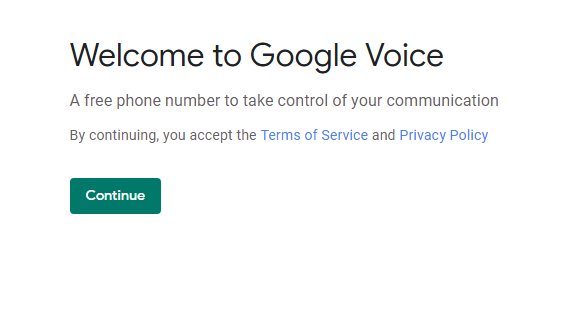
- Read through the privacy policy and terms of service and click accept.
- Select your city or area for your number. Google Voice will not allow you to set up a 1-800 number. You don’t have to select an area code if you don’t want people to see your general location.
- Once you have received the number, press Select. You will need to connect your Google Voice account number to your phone number. Because you need a phone line to route your calls through.
- Once you have completed Google’s confirmation process, you’re ready to start talking.
Getting a Google Voice account number on your Android Phone
- Download the Google Voice app from your Playstore.
- Open the Google Voice app, and sign -in with your Gmail account details.
- Select the ‘Sign In’ button on the bottom of the Screen, and sign in using your Gmail log-in details.
- The App may direct you to visit, Voice.Google.com, and sign in to your Gmail account. That is your account not linked to your phone.
- Select your city or city code for your phone number and select your phone number. Google Voice will not let you create a 1-800 voice number.
- Your number selected, complete the Google Voice confirmation process. For this, you need to connect your Google Voice number to your phone number. This allows Google to know where to direct your incoming calls to. Finish up with this process, and you can start to dial.